July Theme Challenge – “Visiting Popular Places”

For this month, July 2025, the theme challenge is “Visiting Popular Places”. This month’s challenge is to practice creating images at popular locations that not only local people visit but also those who come from far and wide to experience. It’s good practice to challenge yourself creating images in places where there is potentially a lot of people. So choose one of your popular locations that’s within a reasonable distance form where you live and see what images you can create. Sometimes it’s better to minimize your subject, and then at other times for the grand scene it’s matter of waiting for the scene to be void of or have a minimal amount of people.

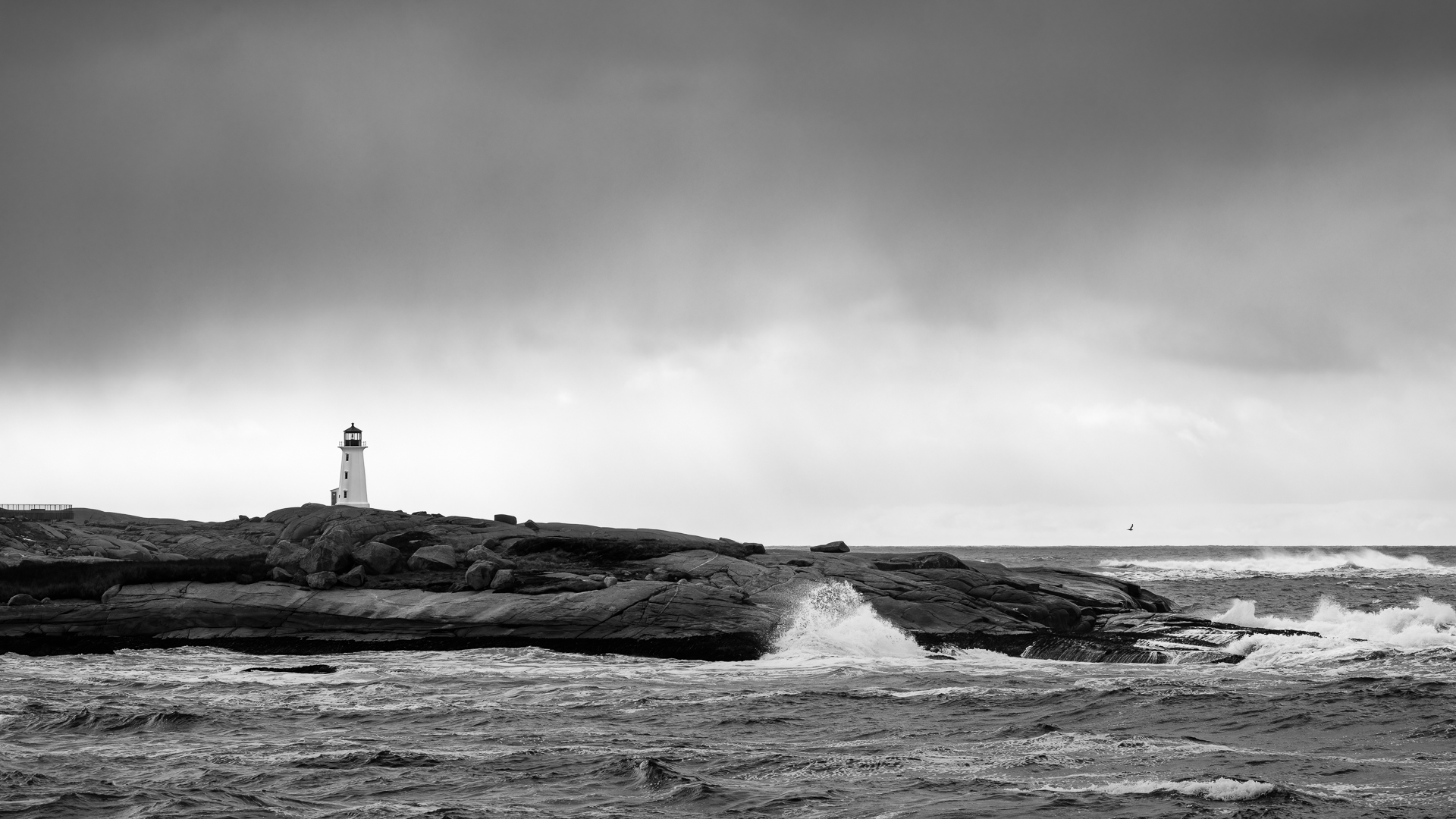
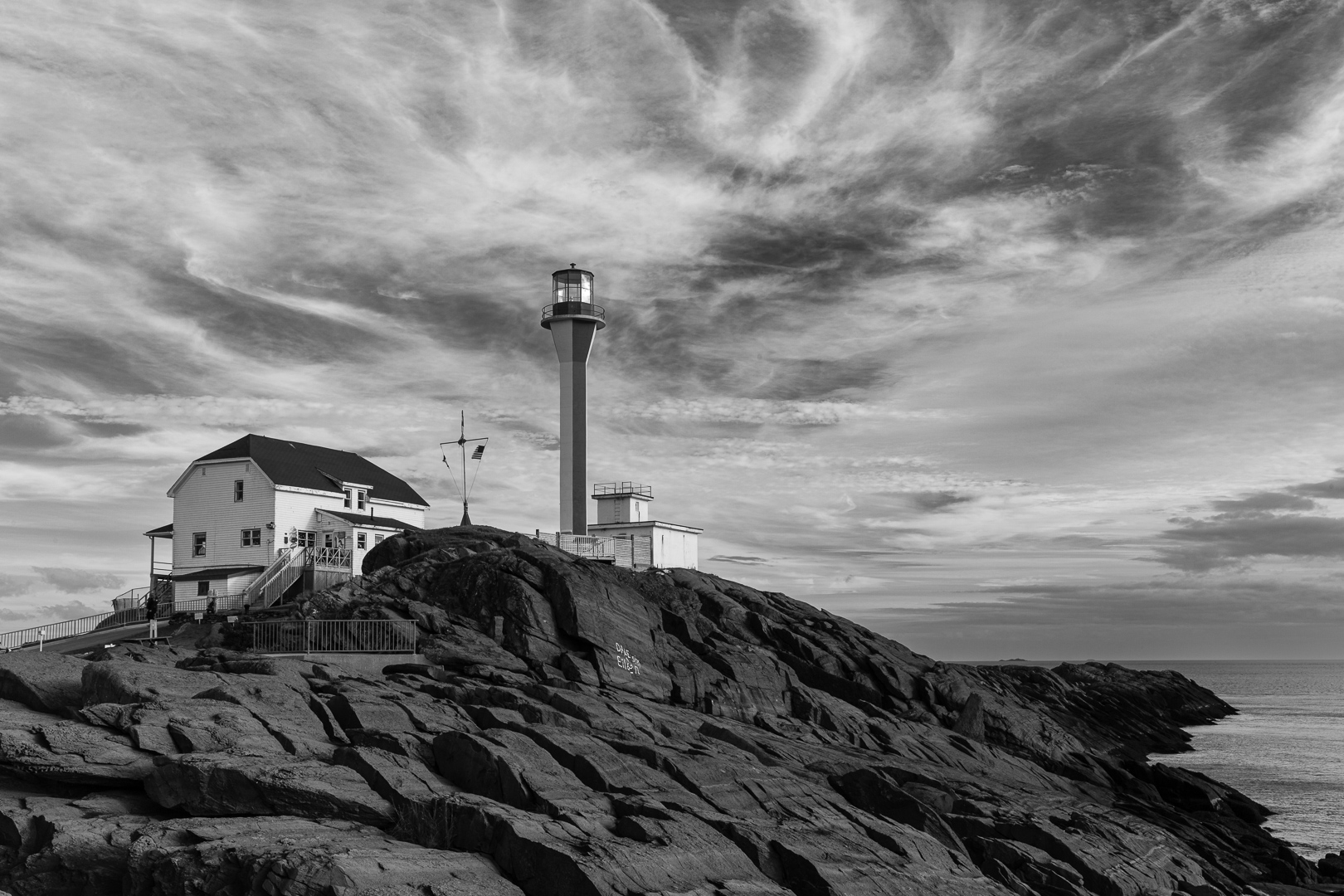
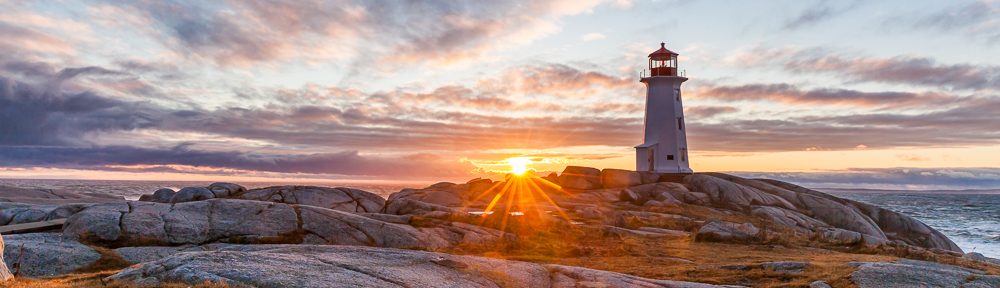
This time of year many of us are going on or considering a trip, whether it be a simple local day visit or going for a number of days on a vacation. Trying to create images in busy locations can be fun just consider the weather, acceptable wind with dramatic clouds, and the time of day for the best light. Remember, you have an advantage because the location you choose for this challenge, you may have visited before and that helps a lot with ideas to capture some great images. Our choice was to visit one of Nova Scotia’s most photographed Lighthouse’s at Peggy’s Cove (Peggy’s Point Lighthouse History wiki). Let’s see where you go and what you can create this month, then include us in your success, share the images you’ve created this month.
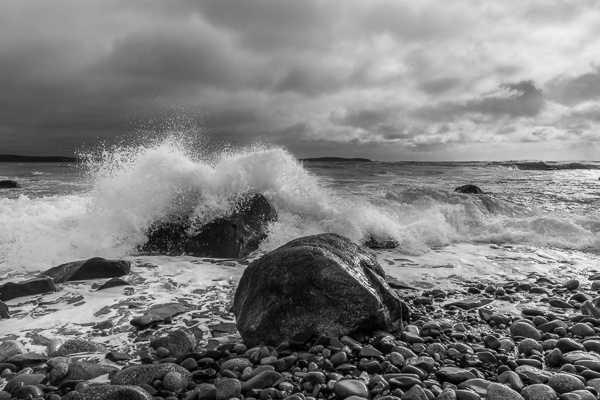

Some Considerations

Some tips similar to last month:
■ The angle and position of your camera is important.
■ Try a unique perspective, this may allow you to see reflections.
■ Be patient if there are people in your composition, they will usually move along.
■ Use a 10 stop or 15 stop ND filter and a tripod with a long shutter speed to help remove people from your image in camera.
■ Work your composition to remove as many distractions from your frame as possible.
■ Making images later in the day for the best light and with the building and outdoor lights are on, help a lot to create more impactful images.
■ Don’t go on private property unless you ask if its alright.

Camera Settings: You can start in Aperture Priority mode (Av for Canon or A for Nikon, Sony) with a smaller aperture (larger f-stop number) say f/5.6 to f/11 with a low ISO of 100 to 400. Keep an eye on what the camera chooses for a shutter speed especially if you are taking your images handheld. If the shutter speed is slow say 1/50 then raise your ISO to obtain a faster shutter speed of at least 1/100 (at least 1/focal length). For these types of images, you could use a wide range of focal lengths depending on what you want to create, anything from 24mm to 200 mm, just be aware of your depth of field, keeping acceptable sharpness throughout the image, and remember to use a shutter speed suitable for the focal length you are using.


Example Images

These following images were taken at Peggy’s Cove later in the day mostly from the right side of the cove. All images were taken with a Canon 5Dmk4 with a 24mm-105mm lens and edited in ®Adobe Lightroom Classic and Photoshop. The images are a variety of wider landscapes with a few closer compositions. There was some nice light with dramatic clouds, (remember to expose for the highlights so the clouds appear the way you want them, then use selective masks to lighten the shadow areas). Peggy’s Cove is a fishing community, so the compositions I chose kept that story in mind.

Try telling a story through a series a photos. The following photo series shows; the boats, trap, buildings, houses and buoys, hopefully showing how they interrelate. Although I am not sure if the green house on the hill is the owner of the buildings or boat(s), however, in this case I do think the series conveys the overall story better than a single image would.

Moving further on you see the exit of Peggy’s Cove Harbour and then an Image of Peggy’s Cove Boat Tours waiting to meet you for your next adventure. Then we went to see the Lighthouse. For one of the images we tried to include the human element and in the second image included a reflection. There are many pools of water where you can see the Lighthouse reflection, it’s just a matter of moving around and changing your perspective to find a composition that you are happy with. Keep safety in mind at any location close to water, stay far enough away from the dark rocks which indicate they are getting wet from the water. You don’t want to slip and fall on the wet rocks or get swept away.

As we headed back to our parking spot at the Visitor Centre, we captured a few images of; businesses, net & buoys outside the Neil Depew Gallery, and a grand carving depicting Canadian Fishermen at the deGarthe Fishermen’s Monument.


Additional Resources

As always with our monthly theme challenges we try to seek out additional instructional resources, below are some YouTube video links to help with some tips, hints and ideas.
Travel Photography instructional aids:
The 3 essential tips for better travel photos by Leander Hoefler (9min 8sec)
10 Travel Photography Tips You Need To Know by Lizzie Peirce (13min 33sec)
How To Take Great Travel Photos In Crowded Places by Belinda Shi (7min 37sec)
Why most travel photos are forgettable by Sean Dalton (19min 55sec)
7 Tips for Better Travel Photos in Crowded Places by Jason Vong (7min 15sec)
Take Pictures About Something, Not Of Something by Mike Browne (18min 52sec)


You’re encouraged to develop the ability to “tell a story or invoke an emotion, as well as learn to plan and troubleshoot while creating images.

  • It’s important to not only create an image but to also include a “Title”, this process helps with; determining your subject or story, and composition.
  • Try writing a short paragraph about; how you came up with the idea, any interesting back ground that compelled you to make the image, and describe any techniques how you overcame any obstacles.
  • Do some research and include any relevant information behind the subject of your image. This helps with planning and your approach for a story

An important part of improving your photography is practice, practice, practice which is one important aspect of the monthly theme challenge, in addition you have an opportunity to learn about different genres, techniques and tips that you are not familiar with.


Share your images and stories experienced this month

Even though this website is not setup to directly upload your images, you can achieve something similar by commenting on the post; paste your social media or google drive link to your image in the comment, then type any additional message you’d like to share. Everyone who visits will be able to visit your link. Note comments are moderated so it will not show up right away. We do get notifications when any comment is posted, so it won’t take long to get approved and have your comment subsequently show up. By pasting your social media or google drive link in your comment, it gives everyone visiting the blog a chance to click the link to see your image for the challenge and also the ability to look at your other work by viewing your social media through your pasted link. We want sharing to be a positive experience and we hope you have fun with this month’s photo challenge.
January Theme Challenge – “Minimalism”

Firstly we would like to wish all of you a Happy New Year and hope you all experience a fantastic and prosperous 2025.

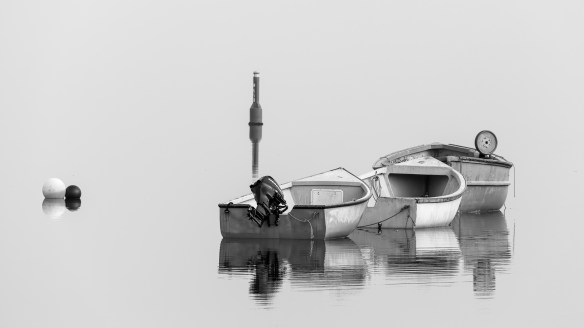
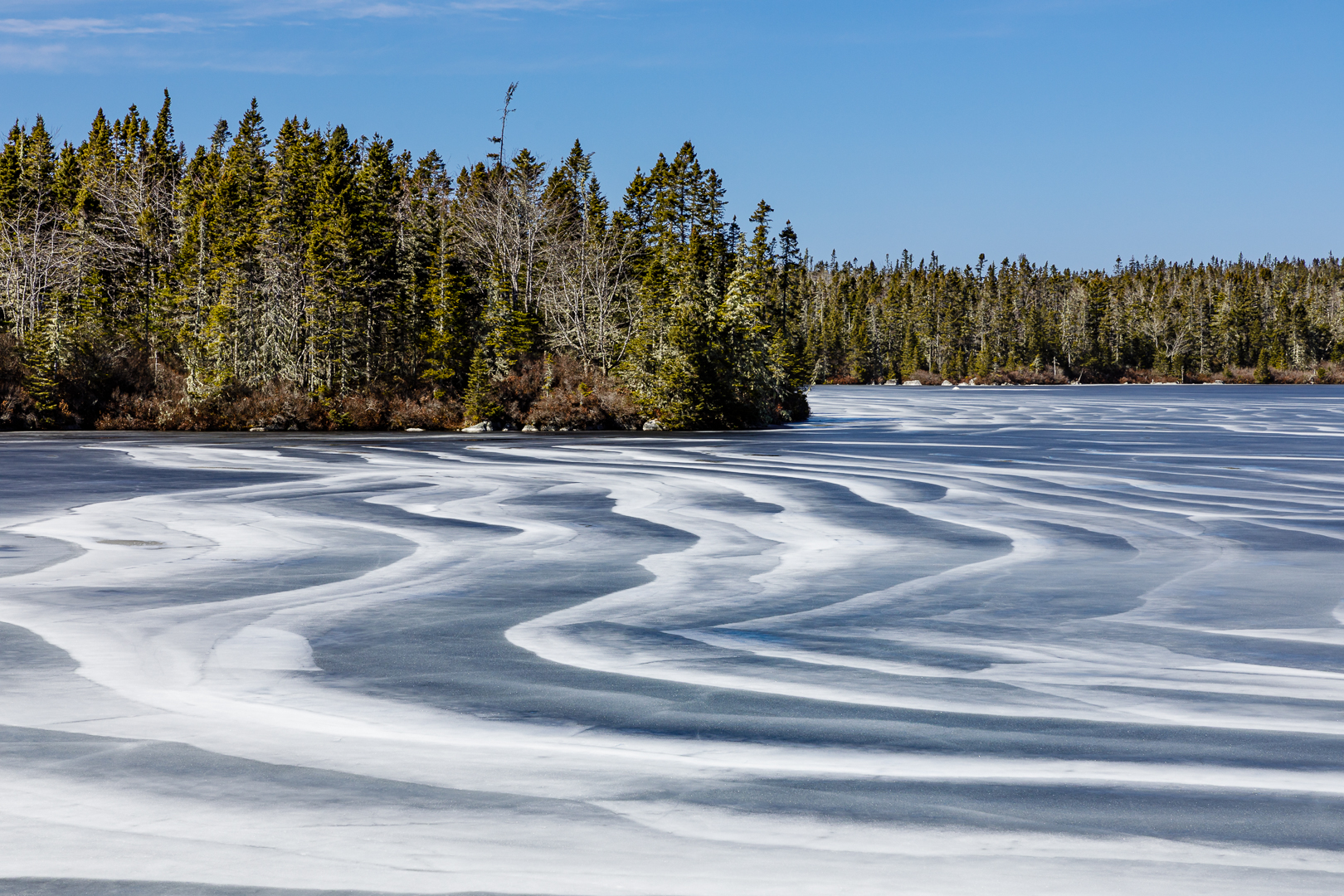
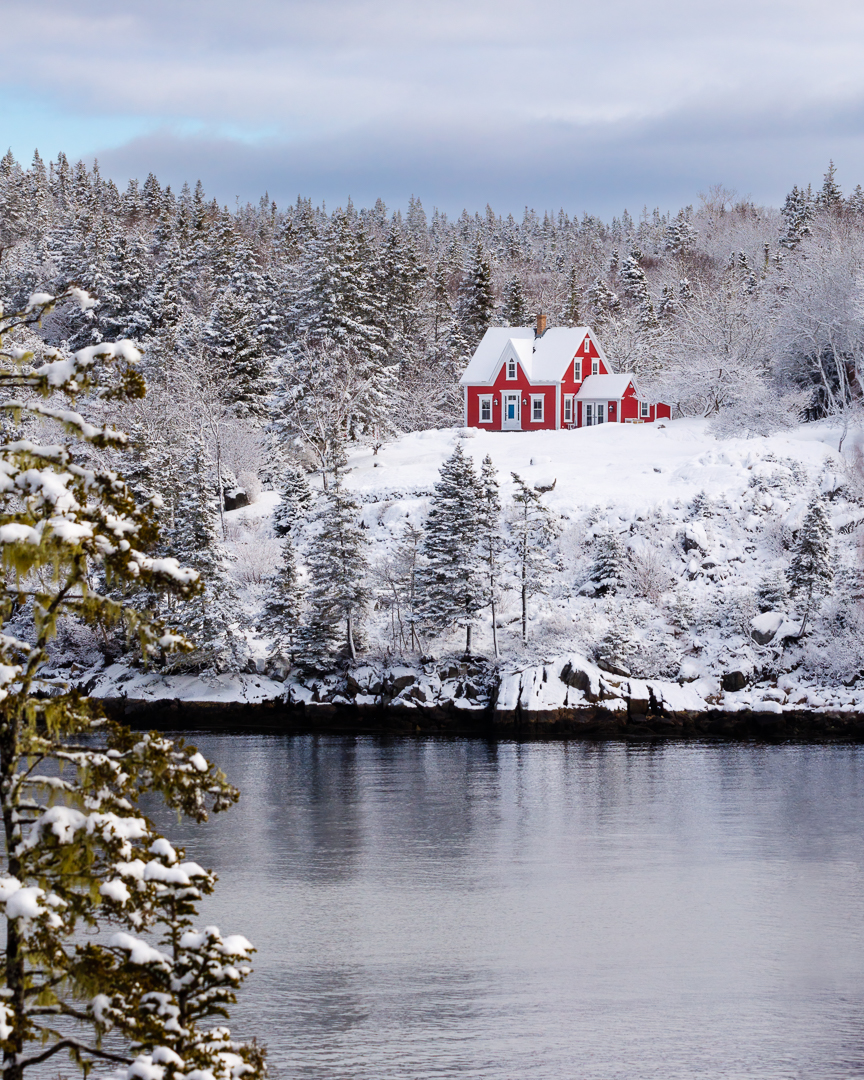
For this month, January 2025, the theme challenge is “Minimalism”. The intention is to create an image that would be obvious to the viewer who or what the subject is, typically accomplished by using; light, and negative space, while eliminating any other elements from the image to help the subject to stand out, “less is more“.

The photographer decides what to exclude from an image by using composition and perspective techniques, while using negative space to exclude elements as best as possible making the subject stand out in the image. Also, make use of other techniques by combining; colour, lines, shapes, patterns, symmetry, geometry, and repeating shapes to help identify your subject.

Include us in your success, share the image you’ve created this month.


Some Considerations

Composition: Importantly eliminate distracting elements by using a subject supporting composition, think negative space. Fine tuning the composition can be accomplished by moving your camera position or angle, getting further away, or getting closer, or by further cropping your image in post-production to remove any or as much as possible distracting elements.

Camera Settings: For camera settings you can start in Aperture Priority mode (Av for Canon or A for Nikon, Sony etc…). Depending on your subject and focal length the aperture can be pretty much anything, just decide on how much depth of field you need for your subject and the overall image you are trying to create. An aperture anywhere between f/4 and f/11 and keep your  ISO low say 100 or 200, remember this is just a starting point. Keep an eye on what the camera chooses for a shutter speed especially if you are taking your images handheld. If the shutter speed is slow say 1/50 then raise your ISO to obtain a faster shutter speed of at least 1/100 or as a minimum 1/focal length. If you are using a tripod slow shutter speeds can be used if the subject is not moving. It may be desirable to use slow shutter speeds depending on the image you want to create.

Focal Length: If you are shooting a vast landscape, you may want to use a wider angle lens somewhere around 16 to 35 mm, as an example, or if you need to isolate the composition you may want a longer focal length say between 100 to 200mm and can be as much as 400mm depending on your final composition.

Remember this genre of photography is not confined to only landscapes it can also apply to environmental portraits, street, and nature genres to name a few.


Example Images

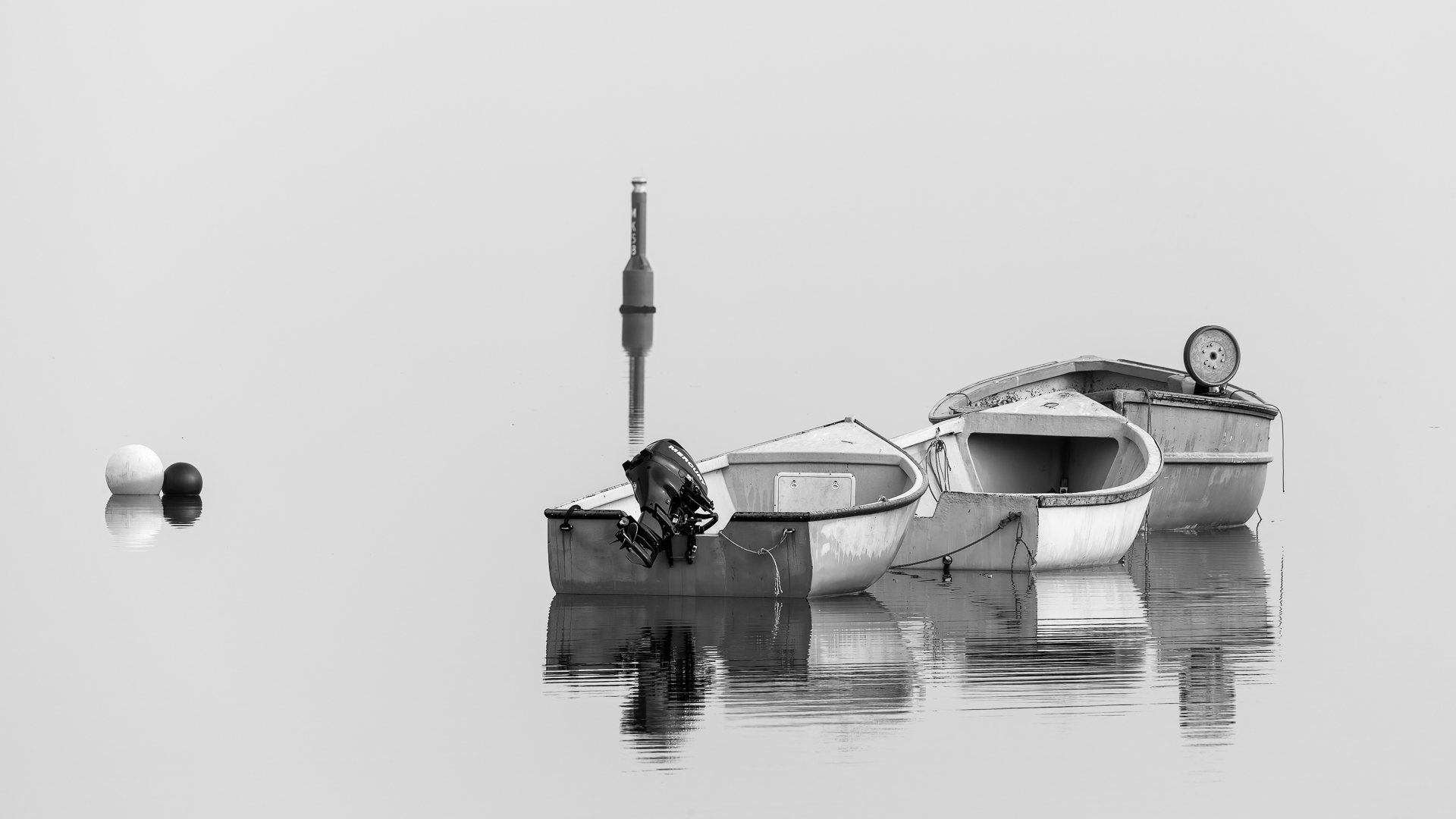
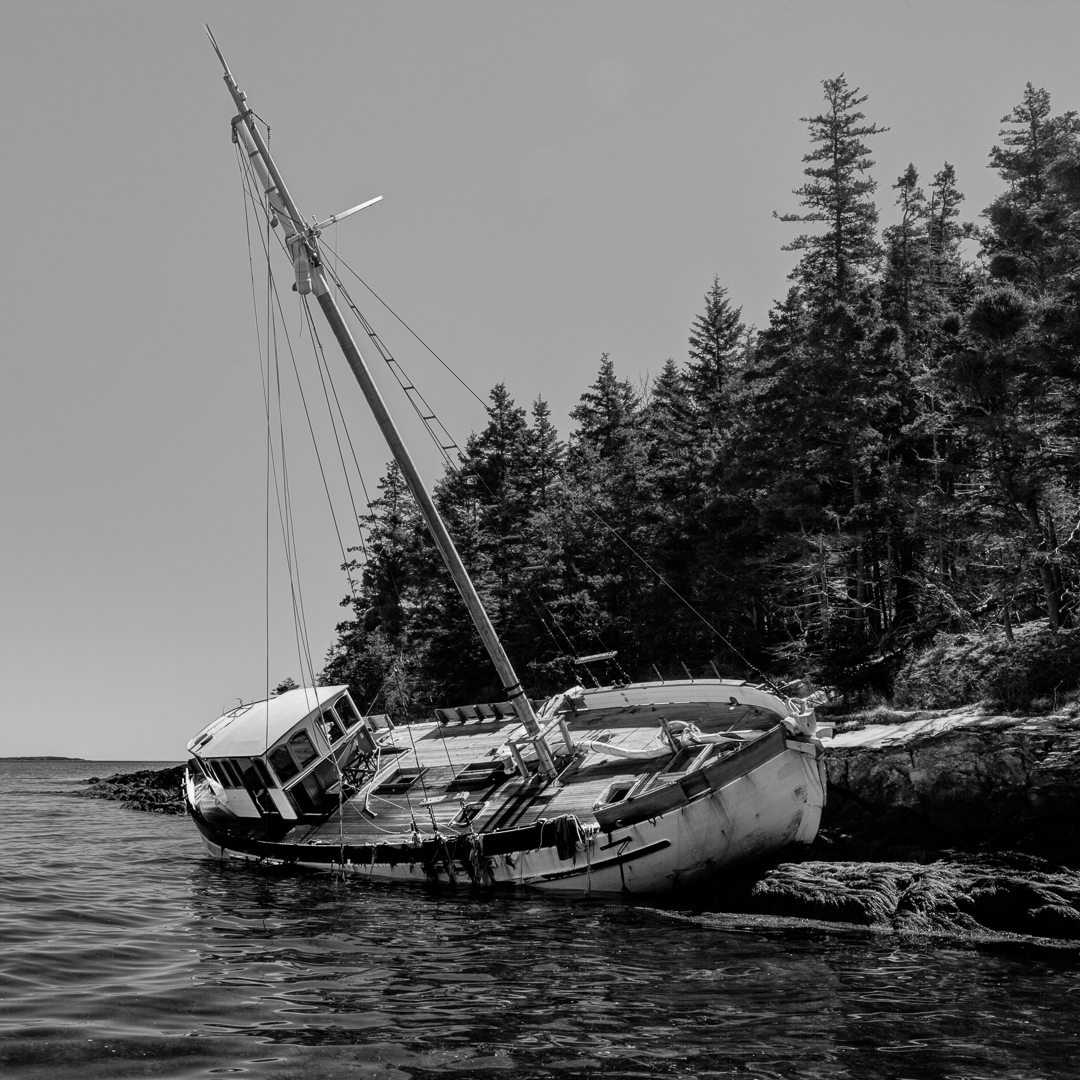
Three of the images below use a boat as a main subject with lots of negative space. The last image shows a beach at sunrise created from one single image; one layer using path blur in Photoshop to simulate horizontal intentional camera movement (ICM) and the second layer was as shot, then the two layers were combined using a simple soft brush mask with the blending point where the fog and ocean meet, which helped the subject, the sun breaking over the island, standout because the ICM technique softened the distractions of the sand, seaweed, and ocean in the foreground.

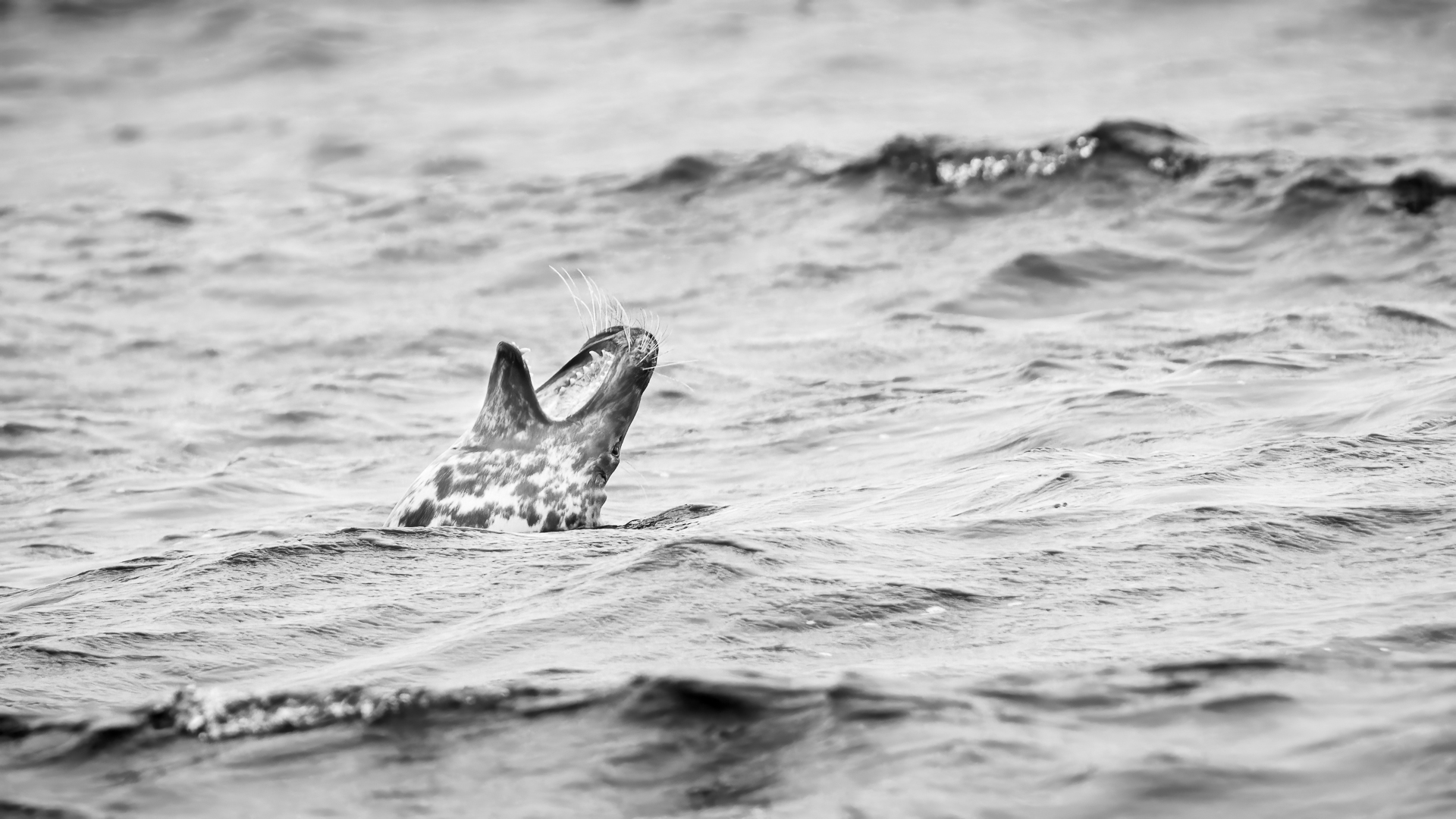
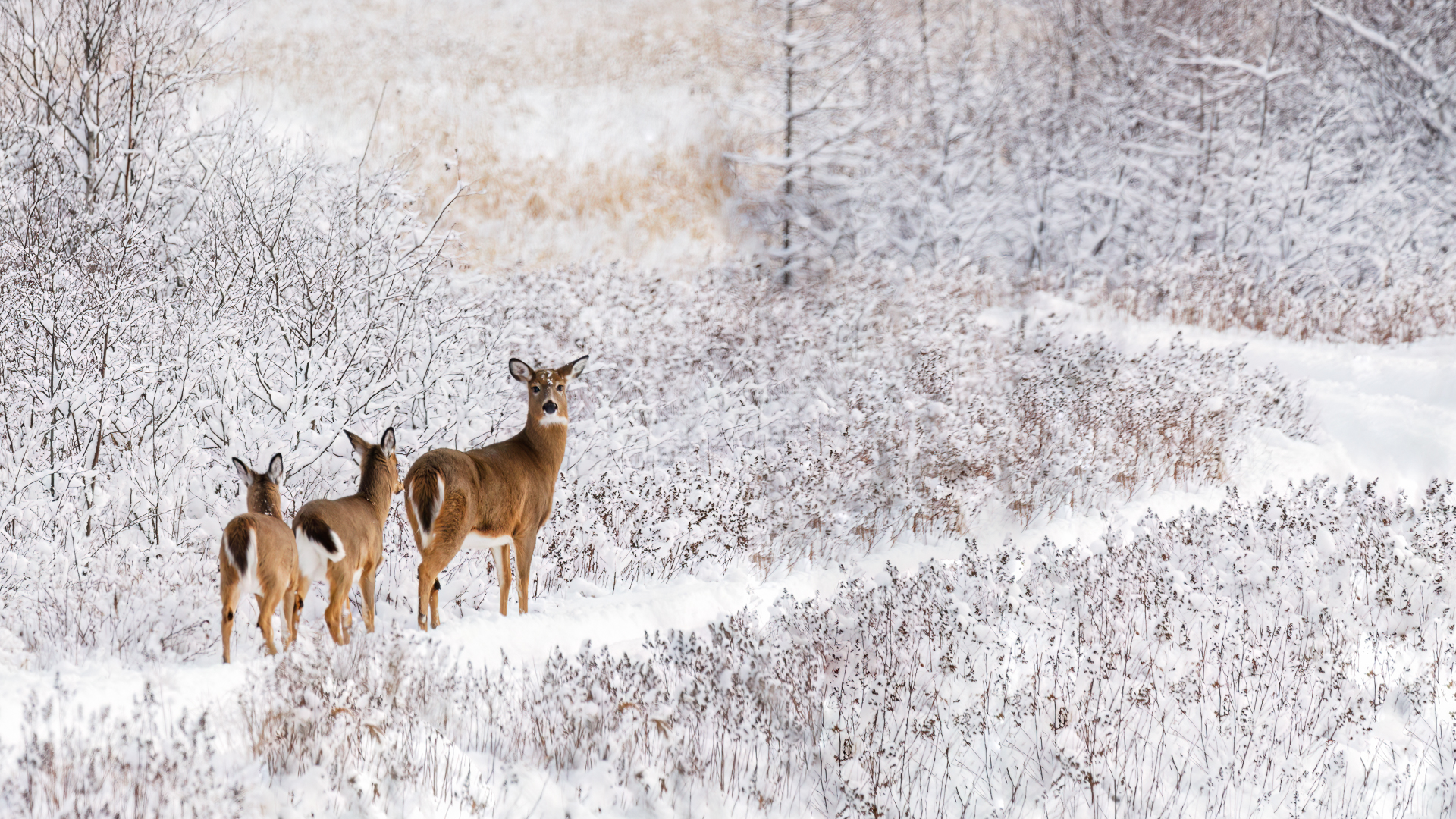
As mentioned above “minimalism” images can be created in other genres such as the wildlife examples shown below; a Long-Tailed Duck, Gray Seal, Barred Owl, and White-tailed Deer which are all presented making use of negative space. Note: if it’s snowing you may need to focus manually on the subject.


Protect your Gear and be Comfortable

Equipment care: Taking your camera gear from a warm environment to the outside usually does not cause any issues, however when going from the cold back into a warm environment is where condensation can quickly form on your camera/lens and this is where it can be harmful to your gear eventually causing spots on the external and more seriously the internal lens elements which eventually causes mold which can destroy your lens. Before going in to a warm environment from the cold, place your camera/lens back inside your camera bag (your bag needs to be padded with the zipper closed) this will allow your gear to raise in temperature slowly and therefore condensation will not happen. An additional protection tip is to put your camera/lens in a large double Zipper Seal (Dollarama 33cmx39.6cm / 13″x15.6″) bag, this will allow the condensation to form on the outside of the bag and not on your camera/lens. Condensation will occur going from the cold outside into a warm building or into a vehicle, keep the temperature of your vehicle cooler to minimize the effect.

Clothing & Footwear: Stay warm, to enjoy your time out in the cold dress in layers with thermal socks for your feet and gloves that allow you to operate your camera and keep your hands warm. If you are in icy conditions use crampons or cleats on your boots, they will keep you from falling so you don’t get hurt or break your gear.


Additional Resources

As always with our monthly theme challenges we try to seek out an instructional resource, below are some YouTube video links to help with some tips, hints and ideas.
Minimalism Photography instructional aids:
Minimalist Photography Tutorial (Using Negative Space): by Mango Street (6min 29sec)
5 Steps to Incredible Minimalist Photography: by Mads Peter Iversen (17min 27sec)
The Secret to Killer Minimalist Photographs: by Henry Turner (10min 4sec)
Minimalist Photography: by Thomas Heaton (14min 31sec)
Landscape Photography | Minimalism: by Simon Booth (9min)
Learning to Observe – The landscape Minimalism of Michael Kenna: by Joel Ulises (22min 8sec)


You’re encouraged to develop the ability to “tell a story or invoke an emotion, as well as learn to plan and troubleshoot while creating images.

  • It’s important to not only create an image but to also include a “Title”, this process helps with; determining your subject or story, and composition.
  • Try writing a short paragraph about; how you came up with the idea, any interesting back ground that compelled you to make the image, and describe any techniques how you overcame any obstacles.
  • Do some research and include any relevant information behind the subject of your image. This helps with planning and your approach for a story

An important part of improving your photography is practice, practice, practice which is one important aspect of the monthly theme challenge, in addition you have an opportunity to learn about different genres, techniques and tips that you are not familiar with.


Share your images and stories experienced this month

Even though this website is not setup to directly upload your images, you can achieve something similar by commenting on the post; paste your social media or google drive link to your image in the comment, then type any additional message you’d like to share. Everyone who visits will be able to visit your link. Note comments are moderated so it will not show up right away. We do get notifications when any comment is posted, so it won’t take long to get approved and have your comment subsequently show up. By pasting your social media or google drive link in your comment, it gives everyone visiting the blog a chance to click the link to see your image for the challenge and also the ability to look at your other work by viewing your social media through your pasted link. We want sharing to be a positive experience and we hope you have fun with this month’s photo challenge.