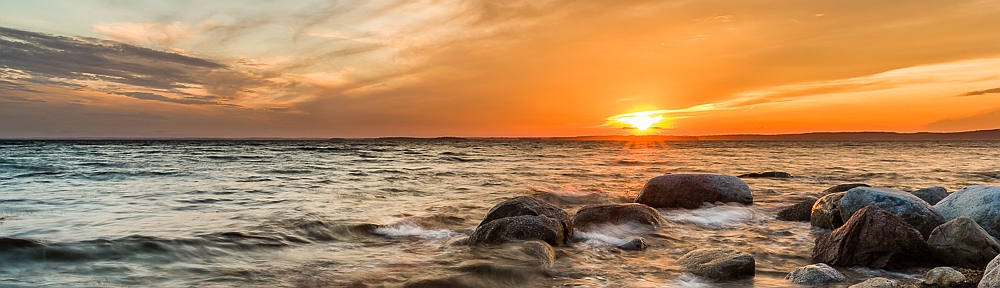

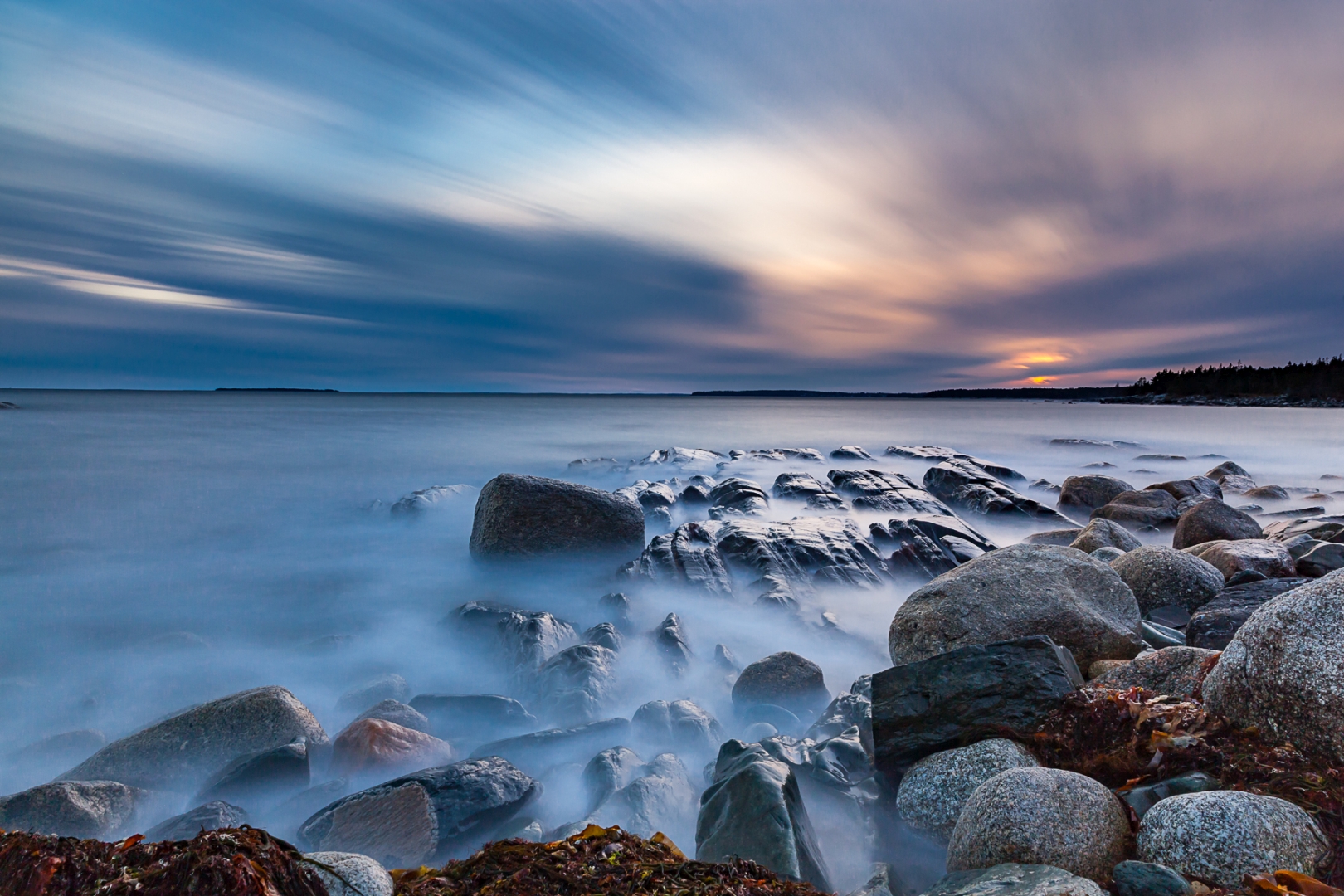
For this month, September 2023, the theme challenge is “Motion“. To show motion in a photograph you implement the use of slow shutter speeds, such as the example shown here with the silky water showing the motion of the water as it is washing around the rock on the beach.
To control the shutter speed on your camera, set your mode dial to Shutter Speed (TV for Canon and S for Nikon) or use set your mode dial to Manual. This will allow you to set the desired shutter speed for your image, then it’s just a matter of setting the Aperture and ISO, set by the camera or manually to finalize the exposure.
There are many opportunities to use slower shutter speeds to show motion motion in your images so be creative and let’s see what you can create this month. There is a lot more to this topic than whats covered in this blog article so do lots of research, there is so much to learn about this months challenge.
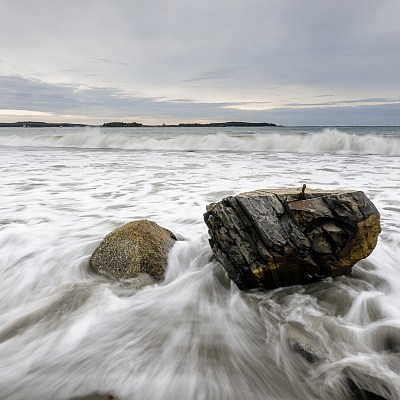
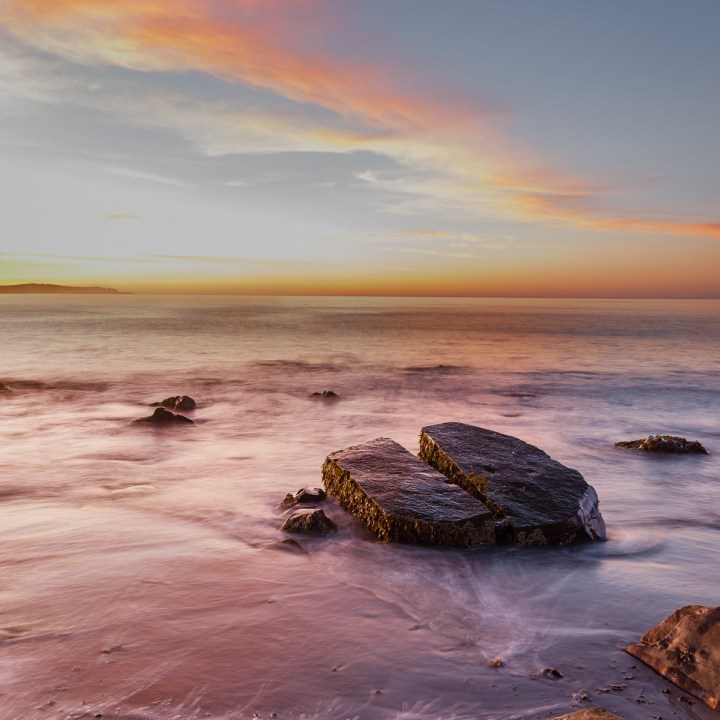
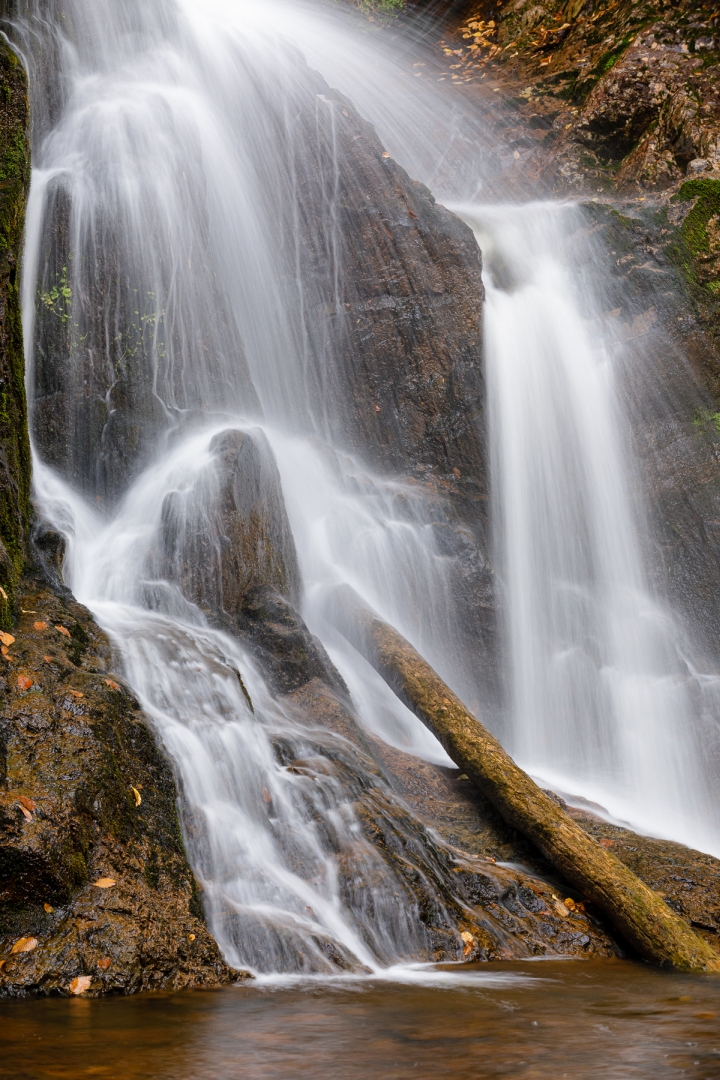
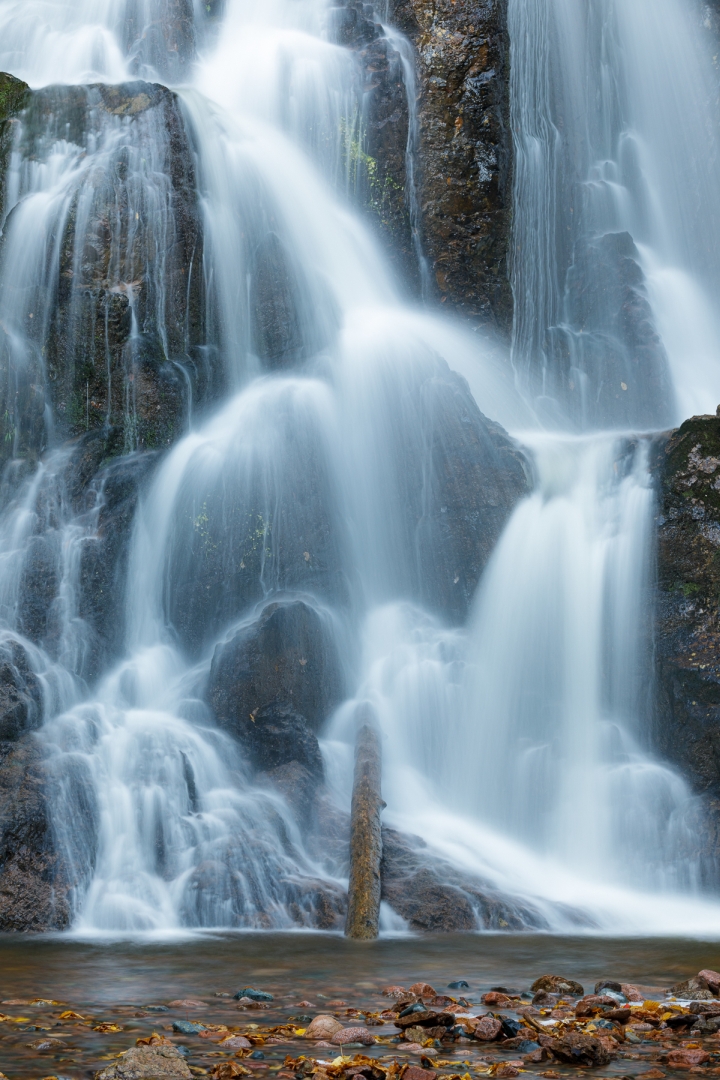
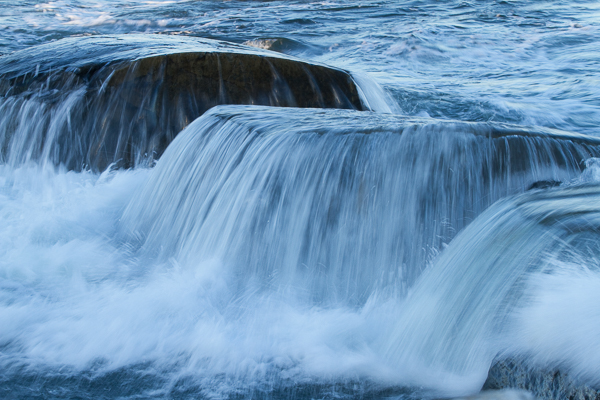
One of the main difficulties in obtaining a slow shutter speed is too much ambient light for the capabilities of you camera. To resolve this you can either use a Neutral Density Filter or shoot at the time of day that the ambient light is more suitable such as early in the morning, later in the day or on overcast days.For the images shown below they were shot when the ambient light was low. In the last image a slow shutter speed was used to smooth out the water. The initial images show the flow of the water due to using a slower shutter speed. Remember at these slower shutter speeds it is necessary to use a tripod for your camera and use of a remote shutter release or the self timer.
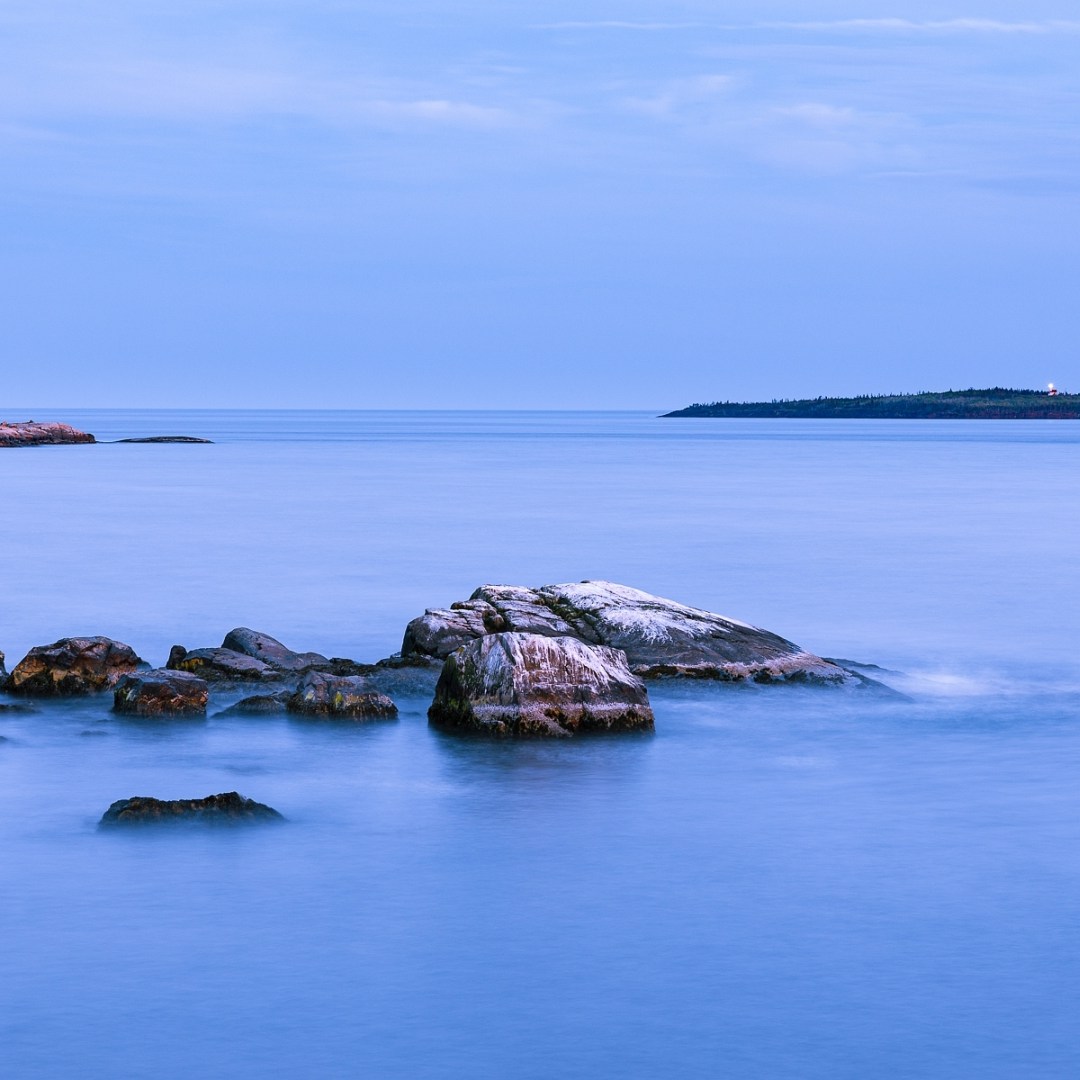
In the case of shutter speeds in excess of 30 seconds using Bulb mode and a shutter release you can show the movement of the clouds, this requires additional use of typically a 6 Stop, 10 Stop or 15 Stop Neutral Density filter.
In the Waterfall images shown below you can set the shutter speed to get the desired effect, such as leaving texture buy not choosing too slow of a shutter speed. The slower the shutter speed the more silky the water becomes and the less texture, it really depends on the effect you are looking for so take a number of shots at different shutter speeds to get the final desired result. In the last image a temporary waterfall was created by a wave washing over the rocks. Also the shutter speed you choose depends on the speed and volume of the water.

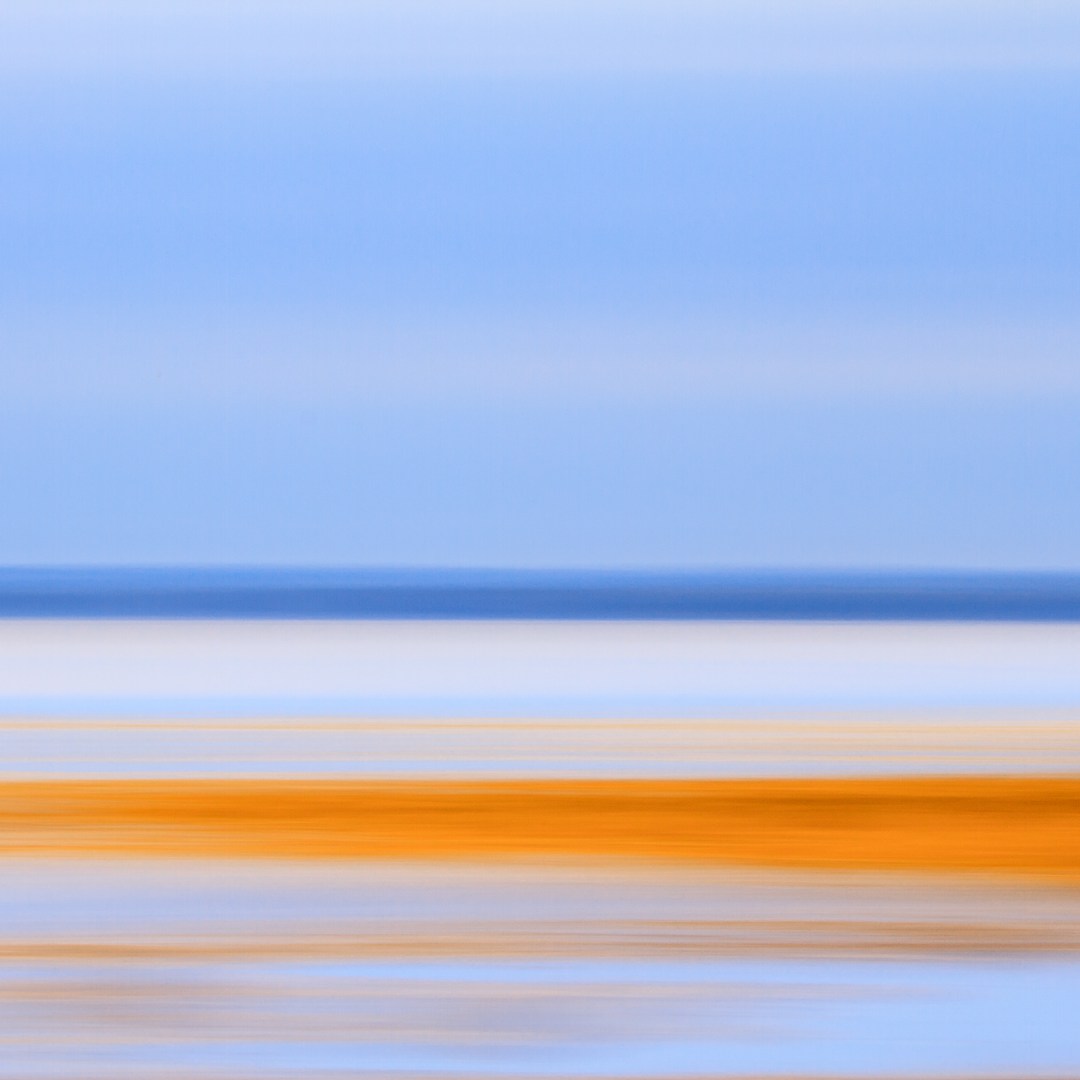
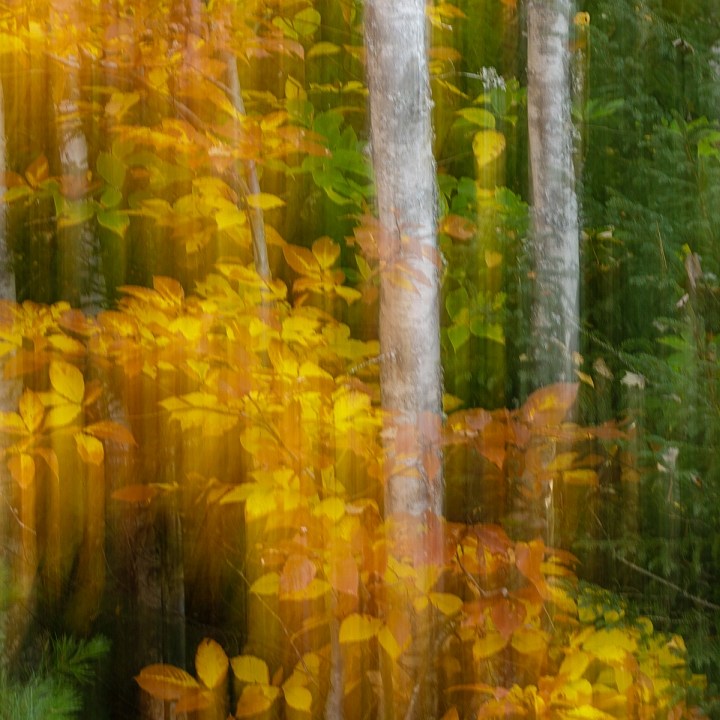
It’s not just about a subject that is moving, you can also create motion by moving your camera. The technique is called Intentional Camera Movement (ICM). In the first image it shows the result of panning a wave in the ocean, the important part for waves is getting in the right position, you have to be at 90 degrees to the wave so the wave is moving past you. Remember with panning to move the camera at the same speed as the wave. You can use the camera panning technique for many types of images. In the last image if you pan vertically and then stop vs following through you get a double exposure effect.


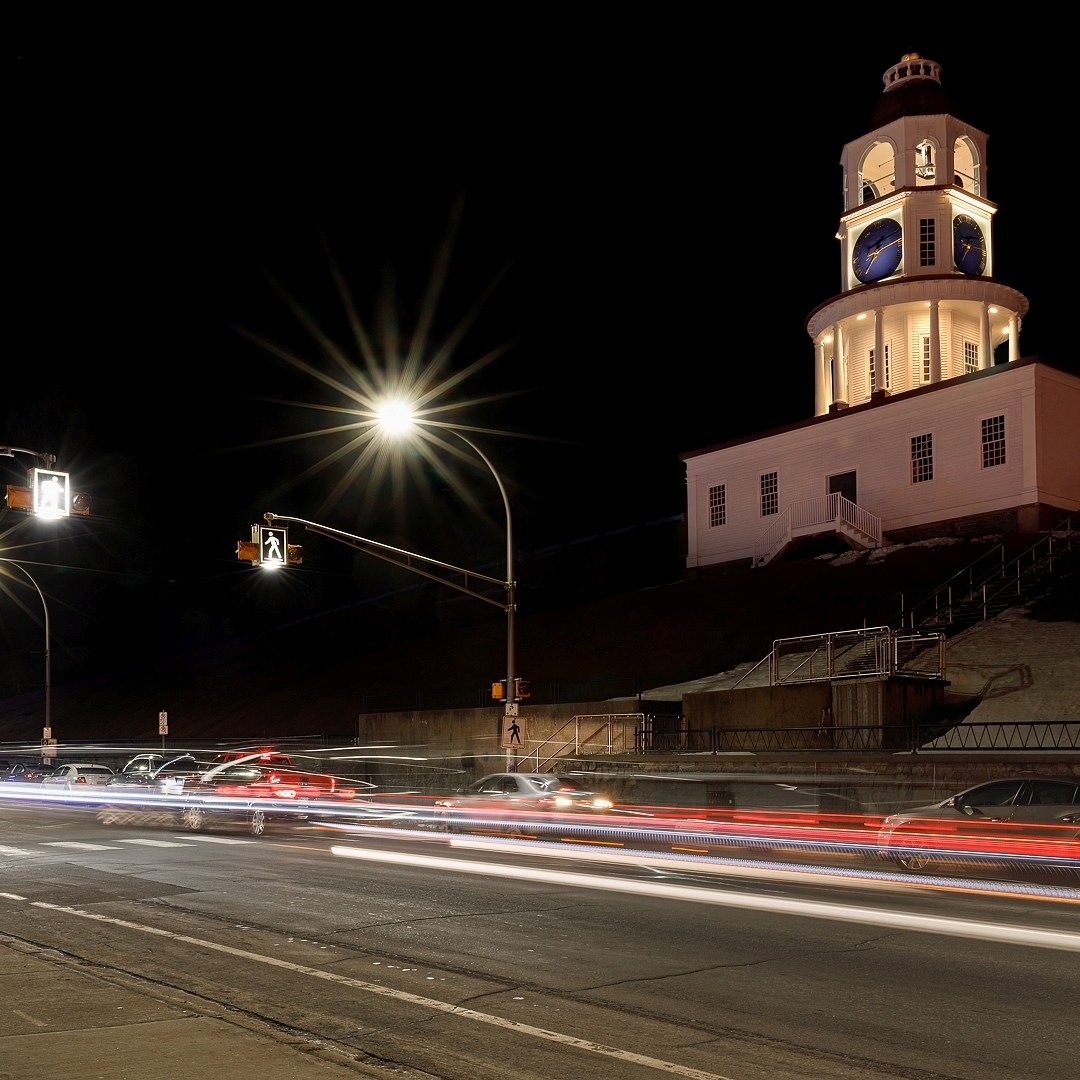
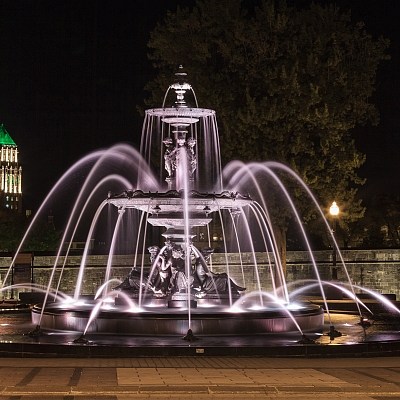
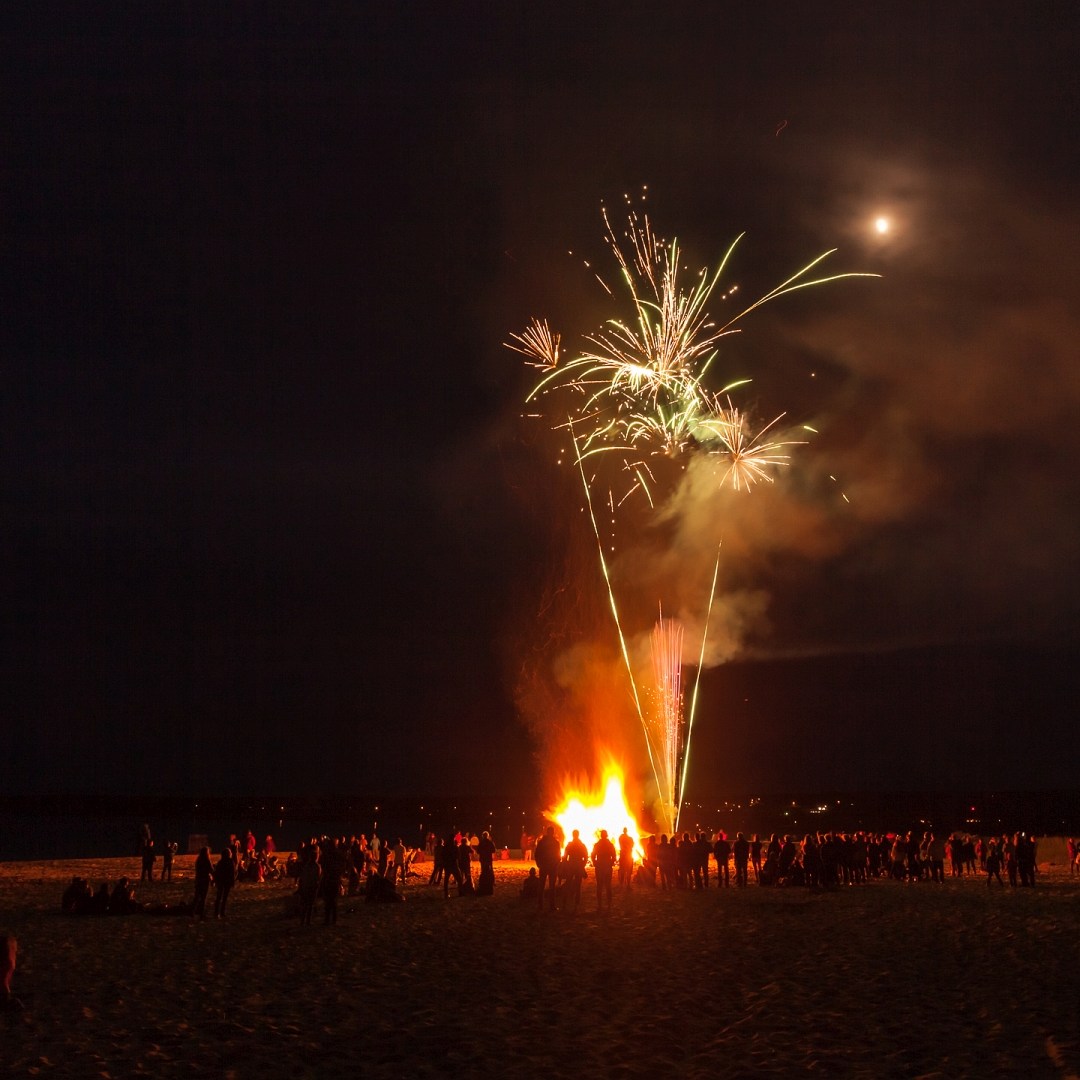
Using slow shutter speeds in the evening or at night can be fun. You can capture light trails of moving vehicles, really it’s up to you what you want to create the possibilities are endless. Just think of the light from the moving subject as painting light on the camera sensor as the subject is moving, which holds true for vehicle light trails, water fountains, and fireworks.
We hope that the above examples were helpful and as always with our monthly theme challenges we try to seek out additional instructional resources, below are a few YouTube video links to give you some hints and ideas on how to be creative using shutter speed to control motion in your photographs:
■ Simple Tactics to Nail your Long Exposure Photography By: First Man Photography (27min 52sec)
■ Being Creative With Motion Blur In Photography By: The Photographic Eye (17min 47sec)
■ How to Photograph Waterfalls – Landscape Photography By: Jeffrey Tadlock Photography (20min 09sec)
If you want to share your image just paste your social media link of your image in your comment and we’ll be able to see your image. The comments are moderated so it will not show up right away, however we do get a notification when any comment is posted so it won’t take long to get approved and subsequently show up. By posting your social media link of your image in your comment, it gives everyone visiting the bog a chance to not only see your image for the challenge but also the ability to look at your other work as well by visiting your social media through your link. We hope sharing your image will be a positive experience and that you have fun this month with this challenge.
An important part of improving your photography is practice, which is one aspect of the monthly theme challenge in addition you have an opportunity to learn about different genres, techniques and tips. Don’t forget to practice, practice, practice, it will really help improve your photos a lot.
 © You Can Learn Photography